
The Oldest Comparison Tool Still Wins
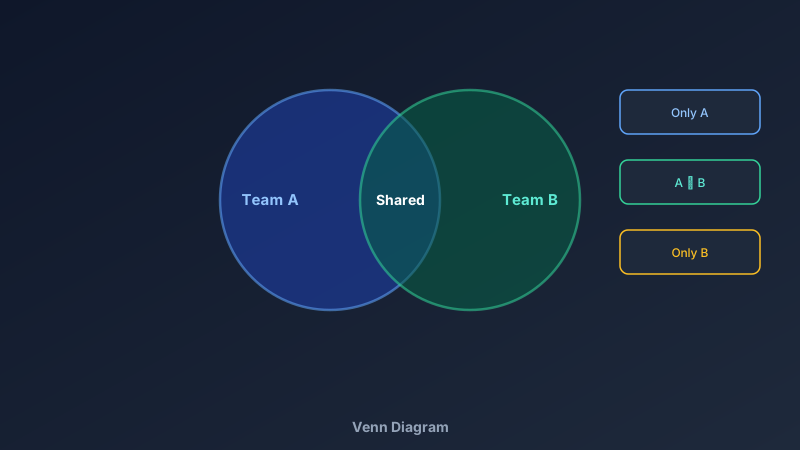
A free Venn diagram maker is an online tool for drawing overlapping circles that show relationships between sets — shared traits in the overlaps, unique traits in the outer regions. CollabDraw's free Venn diagram maker gives you transparent fills, snap alignment, and free export — with no sign-up required.
John Venn drew the first one in 1880. It's still the fastest way to answer "how are these two things alike, and where do they part ways?"
Circle Counts and What They Express
- Two circles: the classic A-vs-B comparison — features, pros and cons, candidate fit
- Three circles: the sweet spot — three-way product comparisons and concept bridges; the centre shows what ALL three share
- Four circles: visually striking but careful — only one of the overlaps is usually drawn (the centre); full four-set logic needs ellipses, so keep labels simple
Build Yours in CollabDraw
- Draw the circles: copy-paste one circle for perfect symmetry
- Set the transparency: reduce fill opacity so overlaps blend visibly
- Label the sets: titles in each circle's exclusive region
- Fill the overlaps: shared traits in the intersections, concise and specific
- Colour with intent: each set gets one hue; the overlap inherits the blend
Where Venn Diagrams Earn Their Keep
- Classroom: book characters, historical periods, science classifications — the standard comparison exercise
- Product marketing: "why us" slides — the sweet spot where your product, competitor, and customer needs overlap
- Hiring: candidate skills against role requirements and team culture
- Strategy: market overlap analysis and partnership scoping
- Everyday arguments: two laptops, two houses, two job offers — decide visually
Label Like a Pro
- Set titles first: name the sets before filling regions — labels anchor the logic
- Keep entries parallel: all features, or all benefits — never mix granularities
- Short beats thorough: three words per region; the discussion fills in the rest
- Mark the centre with intent: the all-sets overlap is your diagram's headline — make it count
- Use callouts for depth: lines from crowded regions to notes outside the circles
How CollabDraw Compares to Canva and Lucidchart
When choosing a free Venn diagram maker, the main alternatives are Canva (freemium with editable Venn templates partly locked) and Lucidchart (3-document free limit). Here's how CollabDraw stands out:
- Truly free: No document limits, no template paywalls, no watermark
- No sign-up required: Start drawing instantly — both alternatives require accounts
- True transparency control: overlap blending exactly as the logic demands
- Snap alignment: perfect symmetry without fiddling — copy-paste a circle and it stays identical
- Classroom-ready export: PDF for worksheets, PNG for slides, SVG for print shops — all free
Key Facts About CollabDraw's Free Venn Diagram Maker
- Price: 100% free — no subscription, no credit card, no watermark
- Set counts: 2, 3, and 4-circle layouts — fully customisable sizes and colours
- Fills: Adjustable transparency for true overlap blending
- Labels: Free text placement with callouts for dense regions
- Export formats: PNG, PDF, and SVG — all free
- Account required: No — start without signing up
- Best for: Teachers, students, product marketing, hiring, and everyday comparisons
Let the AI Assistant Design It For You
Prefer to skip the manual setup entirely? CollabDraw's free AI Assistant does the heavy lifting. Tell it what you want to make, and it asks a few quick questions about your idea — purpose, style, content — then builds a fully editable, layered design on your canvas. Every element stays editable, so you can refine the result with the techniques in this guide rather than starting from a blank page.
Start From a Ready-Made Template Instead
CollabDraw also includes a built-in template library — 50 editable templates free without an account, 100 with a free account. Ones that match this guide: the Venn Diagram, Double Bubble Map, and Comparison Infographic templates. Open the Templates panel, click one, and it drops onto your canvas fully editable — comparison layouts from classic two-set Venns to richer side-by-side formats.
Draw Your First Venn Free
You don't need an account to open CollabDraw and overlap your first circles. No download, no credit card, no sign-up wall.
Teachers, students, and analysts: the 145-year-old comparison tool is free on CollabDraw.